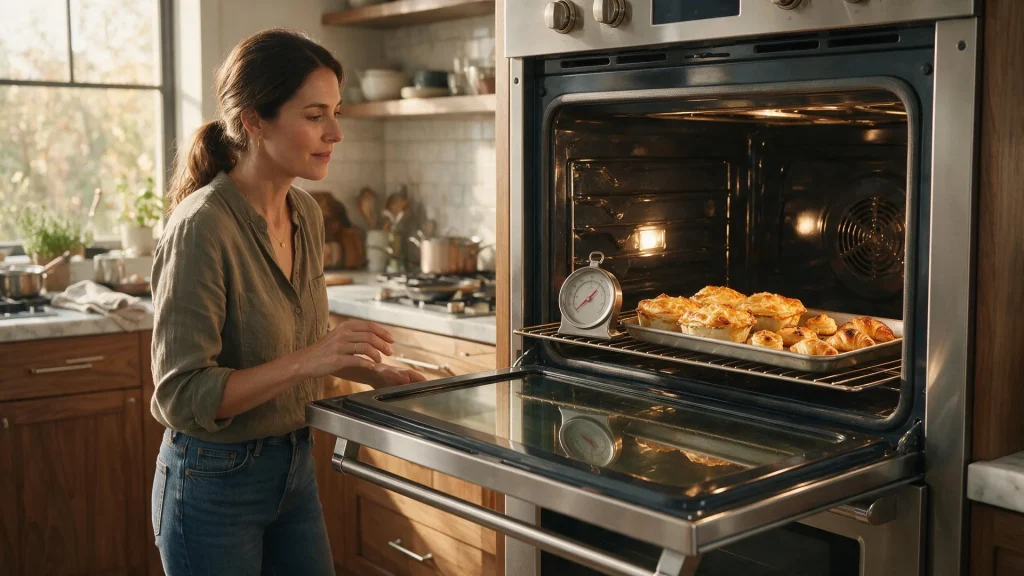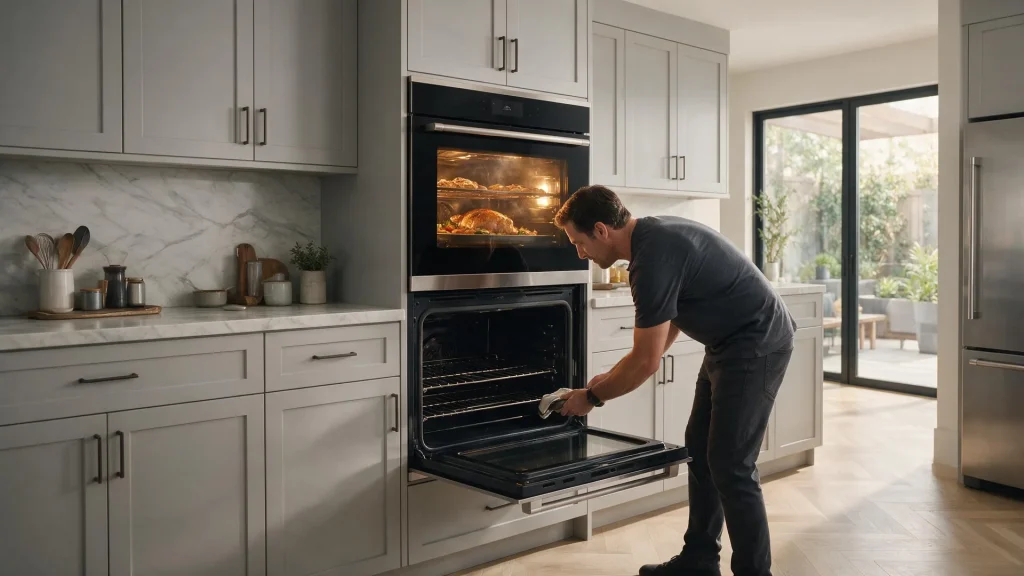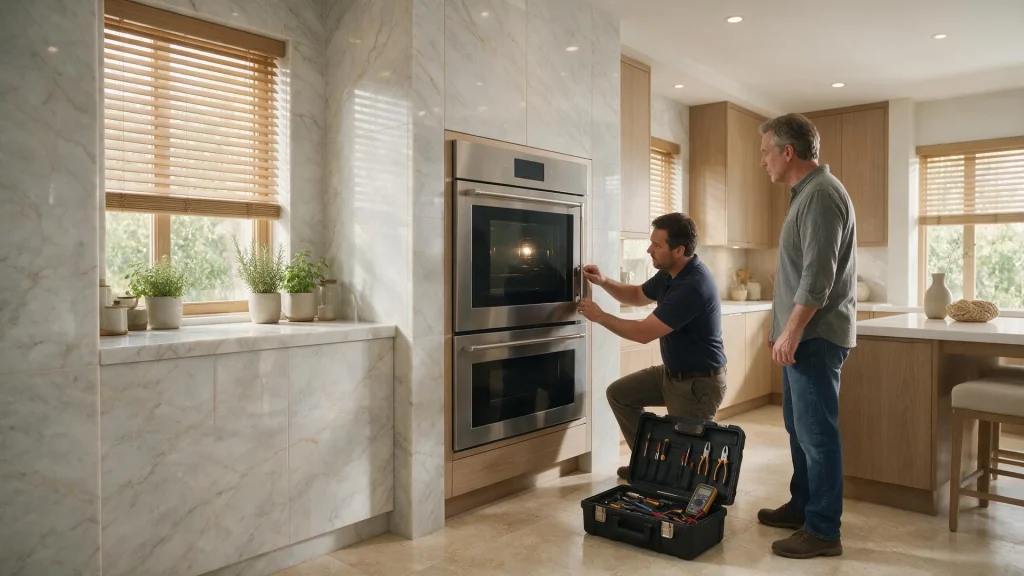
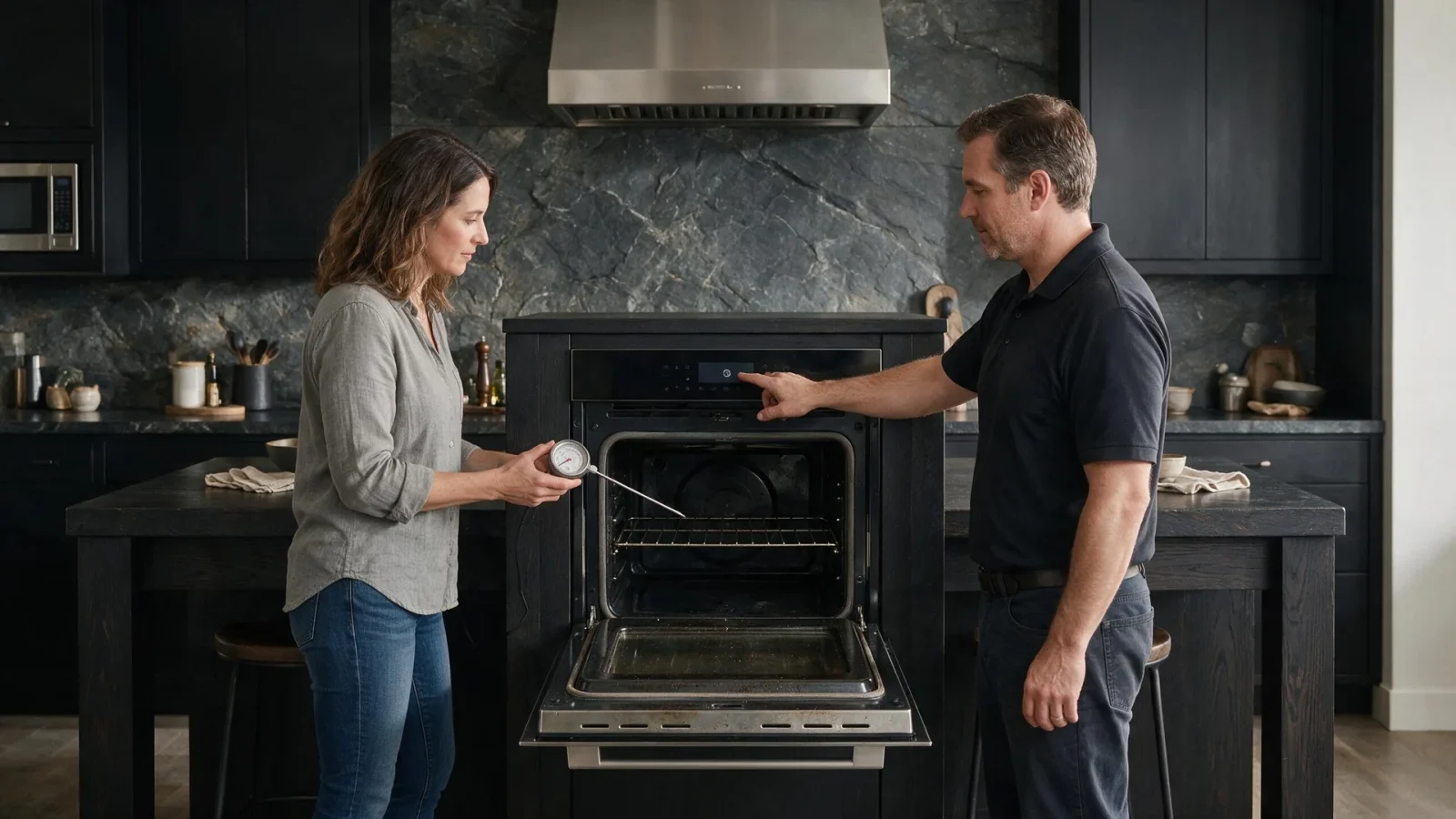

An oven display can look normal while the cavity fails to heat. The useful distinction is whether the appliance accepts the mode, whether any heat develops, and whether the problem affects bake, broil or both.
A Dacor oven that turns on but does not heat is first a question of what the oven is allowed to do: power, lockout, mode and shutoff settings can all leave a normal display with no heat. If power and settings check out and bake or broil still does not heat, internal diagnosis is the next step.
An oven display can look normal while the cavity fails to heat. The useful distinction is whether the appliance accepts the mode, whether any heat develops, and whether the problem affects bake, broil or both.
The useful question is not “which part is bad?” but “what pattern can you confirm without opening the appliance?” Dacor has current and legacy model families, so the same outward symptom can have different internal causes depending on the exact model and installation.
The use-and-care manual for one Dacor Modernist wall oven lists a blown fuse, a tripped breaker, an improperly inserted plug, a power outage or an unplugged outlet as things to check when the oven will not turn on or the display is blank. It also describes a 12-hour energy saving option that turns the oven off after 12 hours in baking functions or 3 hours in broil.
A Pro range manual separates InstantHeat, which is used without preheating, from modes where you preheat first. Check which mode you selected before deciding the oven did not respond.
Take a photo of any displayed code and write down the model number before resetting power. A code that disappears after a reset can still be useful to the technician, while repeated resets can erase the sequence that explains what happened.
Installation matters in premium kitchens. Built-in cabinetry, panel alignment, water/drain routing, gas or electrical supply and ventilation can influence performance without the appliance having the same internal problem as another unit with the same headline symptom.
That is why a useful diagnosis separates three layers: user-accessible conditions, installation conditions and internal component behavior. Start with the first two; leave live electrical, gas, sealed-refrigeration and microwave high-voltage testing to service.
| Symptom | What it can point to | What you can safely check |
|---|---|---|
| Display blank or dead | Power, fuse, breaker or plug | Check the home breaker and outlet if safe |
| Display normal, no heat in bake | Mode, lockout or heating fault | Confirm the mode and compare broil |
| Oven shut itself off | Energy saving timer | Check the setting and restart |
| Heat in broil, not bake, or the reverse | A function-specific path | Report exactly which functions fail |
No-heat complaints can involve power supply, heating components, ignition on gas-equipped products, controls, sensors or safety devices. Internal testing should follow the exact model and power configuration.
Heat in bake but not broil, or the reverse, is a useful finding to report. On a double oven, the other cavity gives a second comparison.
Control lockout is another quiet cause. The Modernist manual says it also locks the oven doors and is available only when the oven temperature is under 400 F, so a locked control panel can resemble a dead oven.
A display that looks normal only tells you the controls have power. It says nothing about whether heat is being produced, which is why the comparisons matter more than the screen.
If the problem is repeatable, bring the model number, the exact operating mode and your observations to the appointment. That is more useful than ordering a part from a forum or from a generic symptom list.
For a closely related symptom, read Dacor Oven Will Not Hold Temperature: What a Repair Estimate Should Actually Include. You can also compare One Dacor Oven Cavity Works and the Other Does Not: Cost Questions for a Double-Oven Repair before booking.
Send:
– the full model number;
– the symptom in one sentence;
– when it started;
– any error-code photo;
– whether the issue is constant or intermittent;
– the result of the safe checks above.
When a real model-specific code is involved, link to `/dacor-error-codes/` or the existing exact code page rather than creating a competing blog URL.
For a range, wall oven, cooktop or rangetop, identify the exact zone, cavity and mode. A problem limited to one burner or one oven cavity is a different diagnostic pattern from a failure affecting every heating function.
Gas and line-voltage cooking appliances also have a clear DIY limit. User-accessible cleaning, cap seating, settings and observation are appropriate; internal ignition, valve, wiring, control and power testing belongs to qualified service.
Use one normal manual-approved reset when appropriate. If the same problem returns, repeated resets are not a repair and can remove useful diagnostic context.
Usually not. Similar symptoms can come from different components or installation conditions. Confirm the cause first.
Not unless the service team specifically asks. Built-in extraction can damage panels, flooring, water lines, gas connections or wiring.
On the Modernist manual we reviewed, the 12-hour energy saving feature turns the oven off after 12 hours in baking functions or 3 hours in broil if it is enabled.
Yes. Control lockout also locks the doors on that model, so check whether lockout is active before concluding the oven is dead.
The manual lists a blown fuse, tripped breaker, improperly inserted plug, power outage or unplugged outlet. Check the home breaker only if it is safe to reach.
Dacor oven repair: common problems, safe checks, model and error-code resources, and when to book professional oven service.
Dacor built-in ovens: models, common problems, error-code resources, troubleshooting guides, and repair links in one model-aware hub.
An oven that preheats but will not maintain the set temperature can involve sensing, heating output, ignition, control behavior, door sealing or power conditions.…
A double oven provides a built-in comparison: one cavity can help show that the home still has power while the other has a local…
A door that remains locked after self-clean can be frustrating, but forcing the latch while the oven is hot can damage the mechanism or…
Share a few details and we’ll confirm an appointment. Prefer to talk? Call us and we’ll help right away.
Fields marked with * are required.