
A stopped tray may be caused by the roller, coupler, tray seating or drive system. The important safety point is that a microwave is not an appliance to open casually just because the visible symptom seems mechanical.
A Dacor microwave tray that has stopped turning can come down to what sits under or on it: a roller ring that is missing or misplaced, a container touching the walls, or residue on the oven floor. If the ring, tray and load are all correct and the tray still will not move, stop and book service, because the next steps are inside the cabinet.
A stopped tray may be caused by the roller, coupler, tray seating or drive system. The important safety point is that a microwave is not an appliance to open casually just because the visible symptom seems mechanical.
Safety symptoms outrank convenience. If there is persistent gas odor, smoke, sparking, a burning electrical smell, repeated breaker trips or water contacting electrical connections, stop using the appliance as appropriate and follow the relevant emergency/safety guidance.
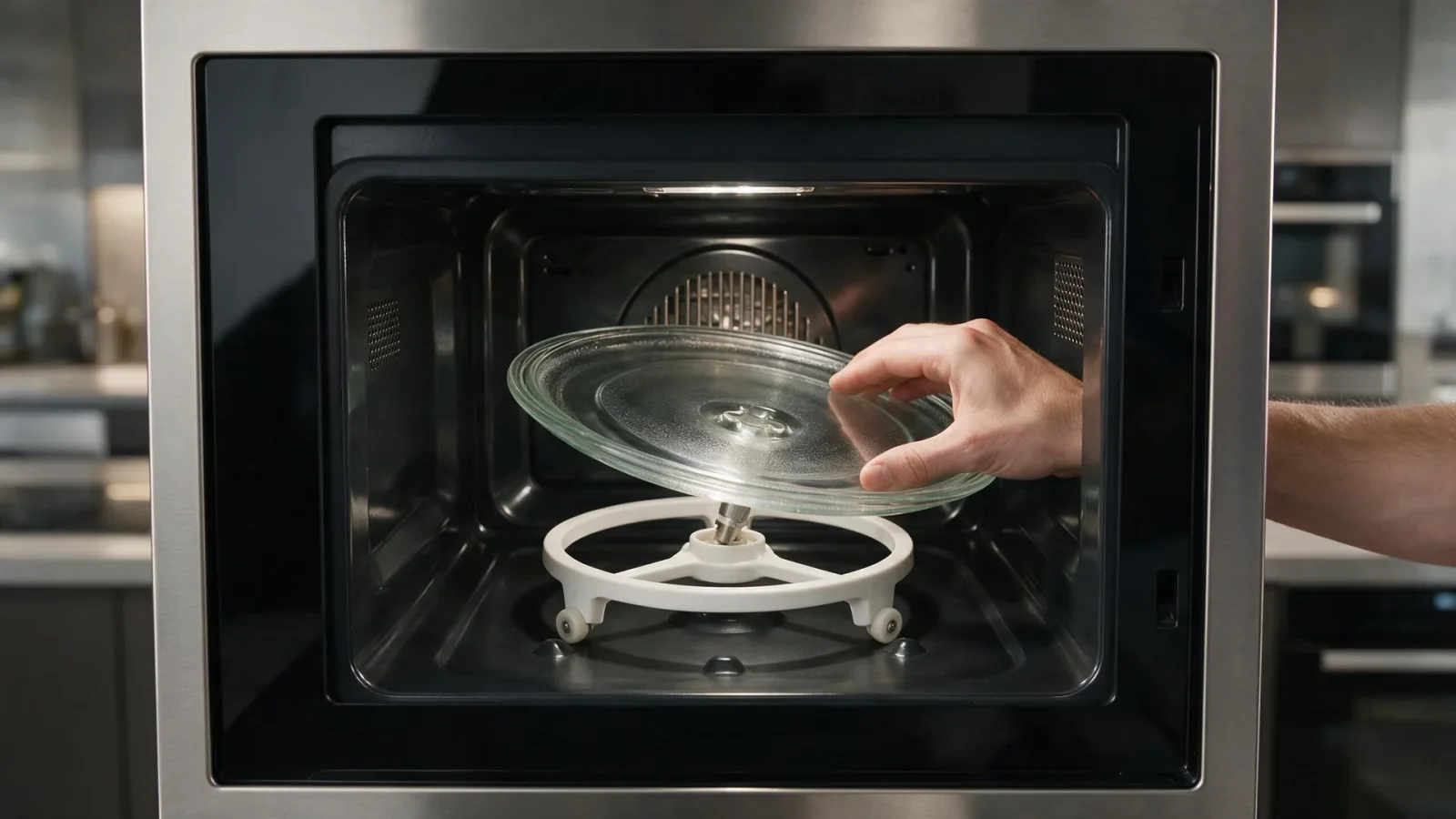
In the use-and-care manual for one Dacor built-in microwave combi oven, the turntable runs on a roller ring. The manual says the tray can derail or stop if that ring is missing or installed wrong, can drag if the wrong ring is fitted, the food is too heavy or a container touches the oven walls, and can rattle when residue sits on the oven floor.
A manual for a Heritage convection microwave adds that you should never run the oven without the turntable and its support in place, and always have food inside. Dacor microwaves are not all built the same, so check your own manual for the tray arrangement on your model.
| Symptom | What it can point to | What you can safely check |
|---|---|---|
| Tray stops partway through a turn | A container too wide for the cavity, or a heavy load | Use a smaller, lighter dish and see whether the tray turns freely |
| Tray tilts or slips off center | Roller ring missing or not seated | Reseat the ring and tray with the oven cool, following your manual |
| Rattling or scraping while turning | Residue on the oven floor or under the ring | Wipe the accessible floor and ring dry, then test with a cup of water |
| Tray stays still while the light and fan run | A drive problem inside the cabinet | Stop after the checks above and book service; do not open the cabinet |
Keep the checks external and manual-approved. Do not remove electrical panels, defeat door switches, bypass safety devices, work on gas valves or lines, open a microwave cabinet, or perform sealed-refrigeration work.
If the drive is not operating after the accessible checks, schedule service. Microwave capacitors and high-voltage components can be hazardous even after the appliance is unplugged.
A symptom can look minor while the next diagnostic step is not. Premium built-in products may place electrical, water and gas connections behind panels or cabinetry; moving the appliance without a plan can create a second problem.
Some owners suspect trouble because the tray reverses direction from one run to the next. The Heritage manual describes turning in either direction as normal, so direction alone tells you nothing about the drive.
What deserves attention is a tray that stops, jerks or drags under a normal load. That pattern points to the ring, the dish or the drive rather than to the heating side.
If water is present, limit spread into cabinetry and flooring without reaching into electrical compartments. If the appliance is hot, allow safe cooling rather than forcing a latch or panel. If a gas appliance will not ignite normally, do not keep cycling it when gas odor is present.
For related guidance, read Dacor Microwave Runs but Food Stays Cold: Why a Working Display Does Not Mean Normal Heating and Dacor Freezer Not Freezing: Protect Food First, Diagnose the Appliance Second.
Use `/services/dacor-microwave-repair/` and `/appliances/dacor-microwaves/` for internal service/appliance links where appropriate. If an error code is displayed, link to the actual Dacor code resource rather than interpreting a generic code from memory.
Microwave symptoms should be evaluated through normal user controls only. Do not remove the outer cabinet. The appliance can contain high-voltage components that remain dangerous even after power is disconnected.
Record whether the display, fan, light and turntable behave normally and whether the symptom began after a power event. That observation helps a technician choose the correct diagnostic path without unsafe homeowner testing.
A microwave can heat with the tray stuck, but unevenly, because the food no longer rotates through the cooking pattern. Treat a stopped tray as its own symptom rather than a sign that heating has failed or is fine.
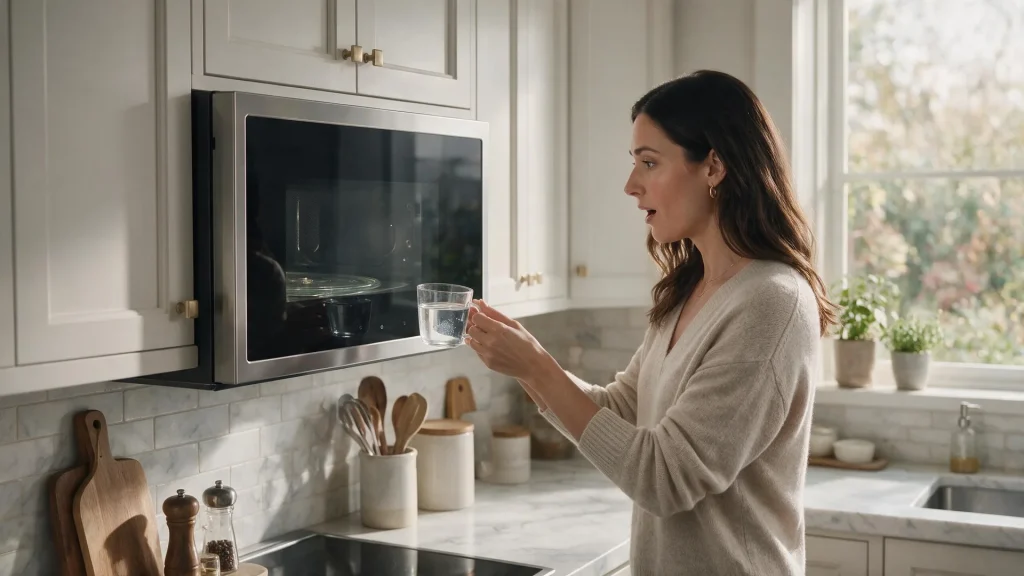
The Heritage manual describes a short checklist with one cup of water for one minute: watch the light, the cooling fan and the tray, and see whether the water is warm. If any answer is no, it points to the outlet, fuse and breaker first and then to service. Look for the matching test in your own manual before relying on it.
If your model has a waveguide cover, leave it in place. That manual warns that food residue there can cause arcing, and removing the cover is not a homeowner step.
Not when the intermittent symptom involves gas, smoke, sparking, burning odor, overheating, water near electricity or repeated breaker trips.
No. Internal electrical testing is not a homeowner check.
Record what happened. If a safety-related symptom returns, do not rely on repeated resets.
Yes on the model manual we reviewed, which says the tray can turn in either direction. A change in direction is not a reason to book service by itself.
No. The manual for that model says never to operate it without the turntable and support, and always to keep food inside. Use a cup of water in a microwave-safe bowl if your manual describes that test.
A ring that is out of its track or residue on the floor can make the tray rattle or drag. Dry the accessible parts, reseat the ring and tray, and test again with a light load.
Dacor microwave repair: common problems, safe checks, model and error-code resources, and when to book professional microwave service.
Dacor microwaves: models, common problems, error-code resources, troubleshooting guides, and repair links in one model-aware hub.
A microwave can light up, run the fan and turn the tray while the actual heating system is not operating normally. That outward activity…
A warming freezer is not only an appliance symptom; it becomes a food-storage decision. The first priority is to verify temperature and protect food…
Water inside the fresh-food compartment may be a drain, condensation, container, dispenser or ice-system issue. The risk rises when water reaches electrical areas, spreads…
Share a few details and we’ll confirm an appointment. Prefer to talk? Call us and we’ll help right away.
Fields marked with * are required.